Genius Mode App
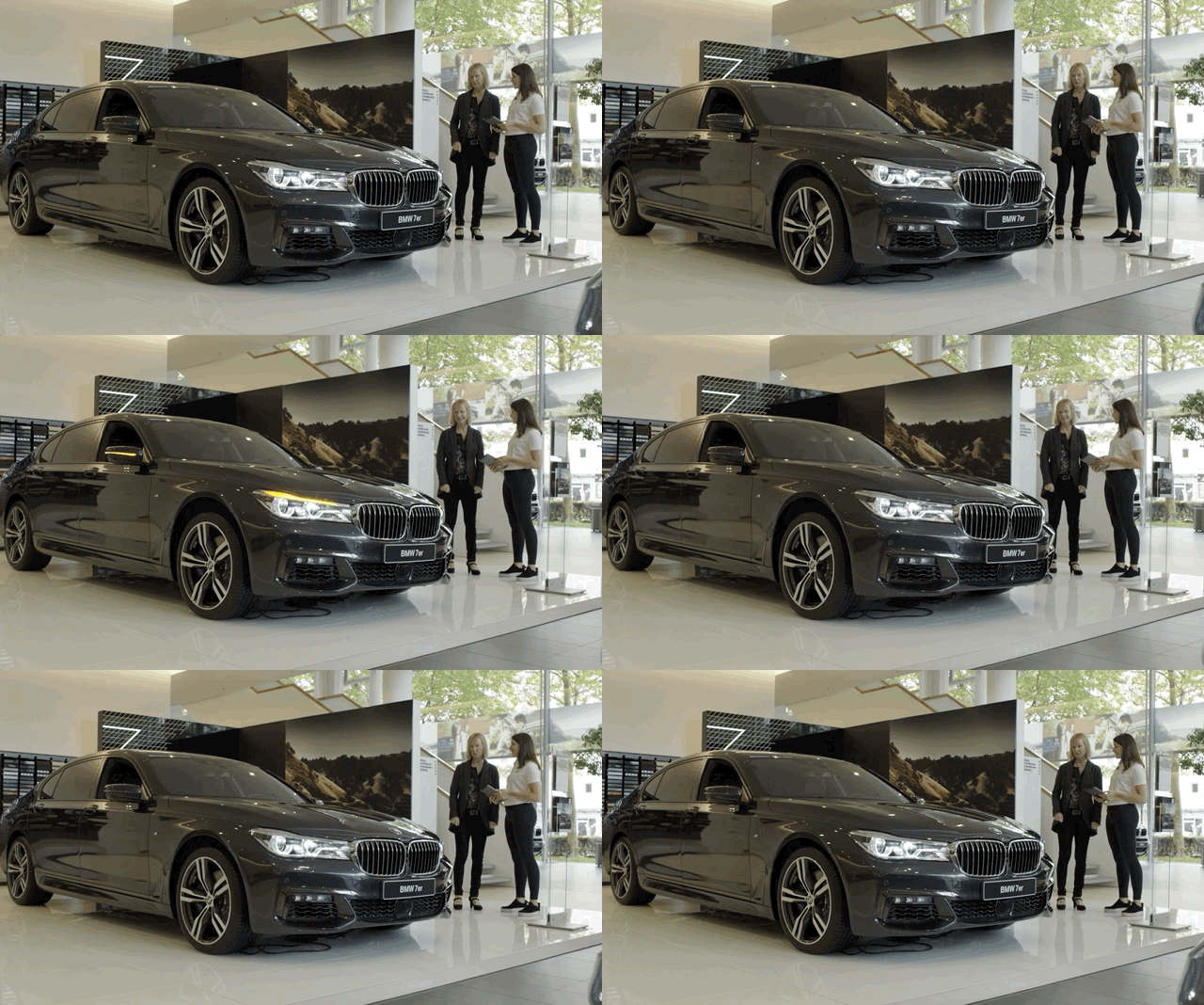
Envisioned for features only active while driving, this app allows customers to experience those rarely-seen features right on the showroom floor.
Overview
Background. Background: Some vehicles have pretty advanced driving features that are hard to explain in words alone. But showing someone how the brake lights automatically flash to alert a trailing driver by slamming on the brakes at high speed isn’t generally recommended. What about the auto-leveling in a tight curve so you don’t feel yourself pulled to one side of the car?
My role. My role was to work with the product owners to design the layout and UI of this app, along with creating a custom icon for each feature.
A customer declined a feature as there was no way to see the benefit. After demoing the Active Roll Stabilization with this app, he immediately purchased the upgrade.
Icons

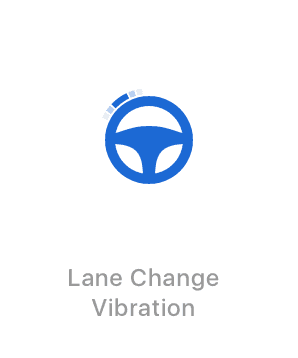


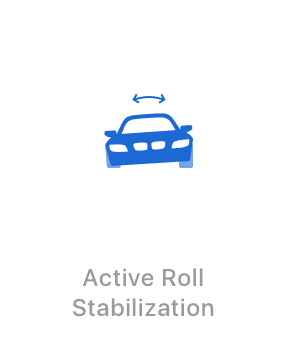
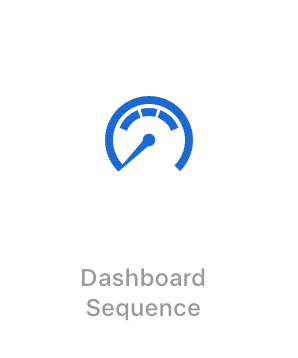

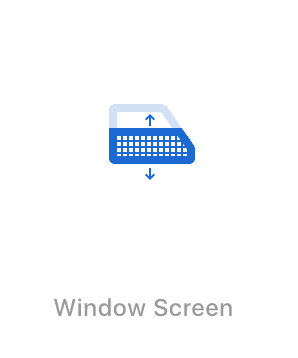


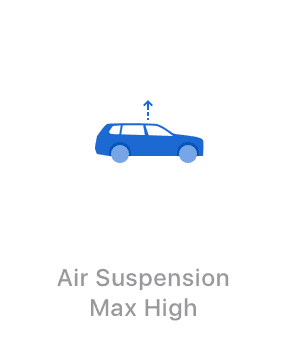
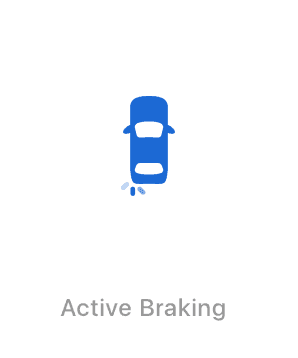

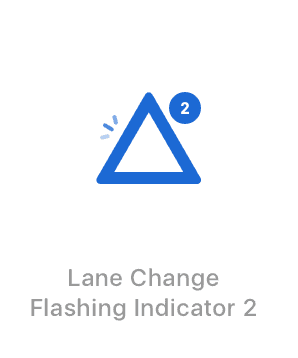
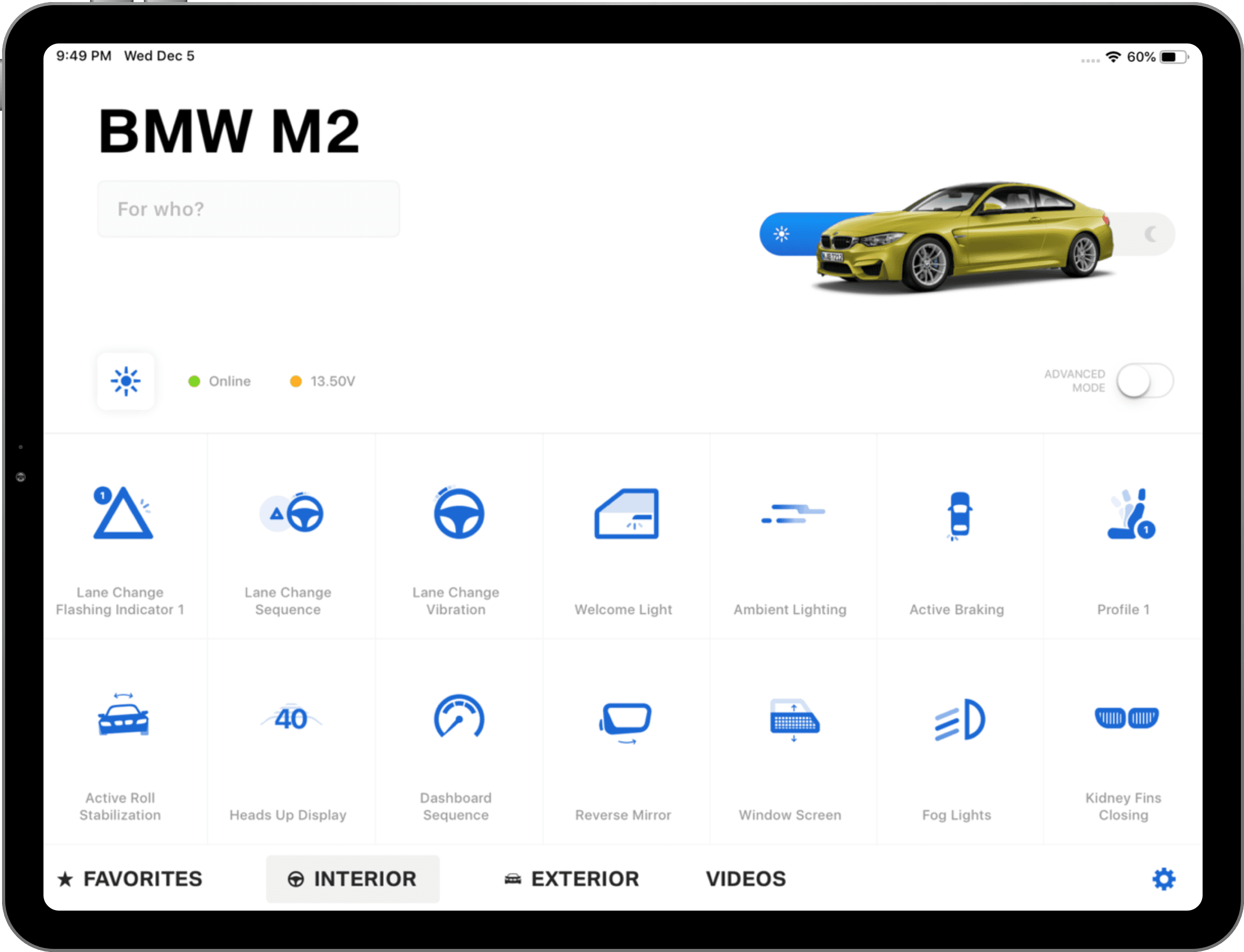
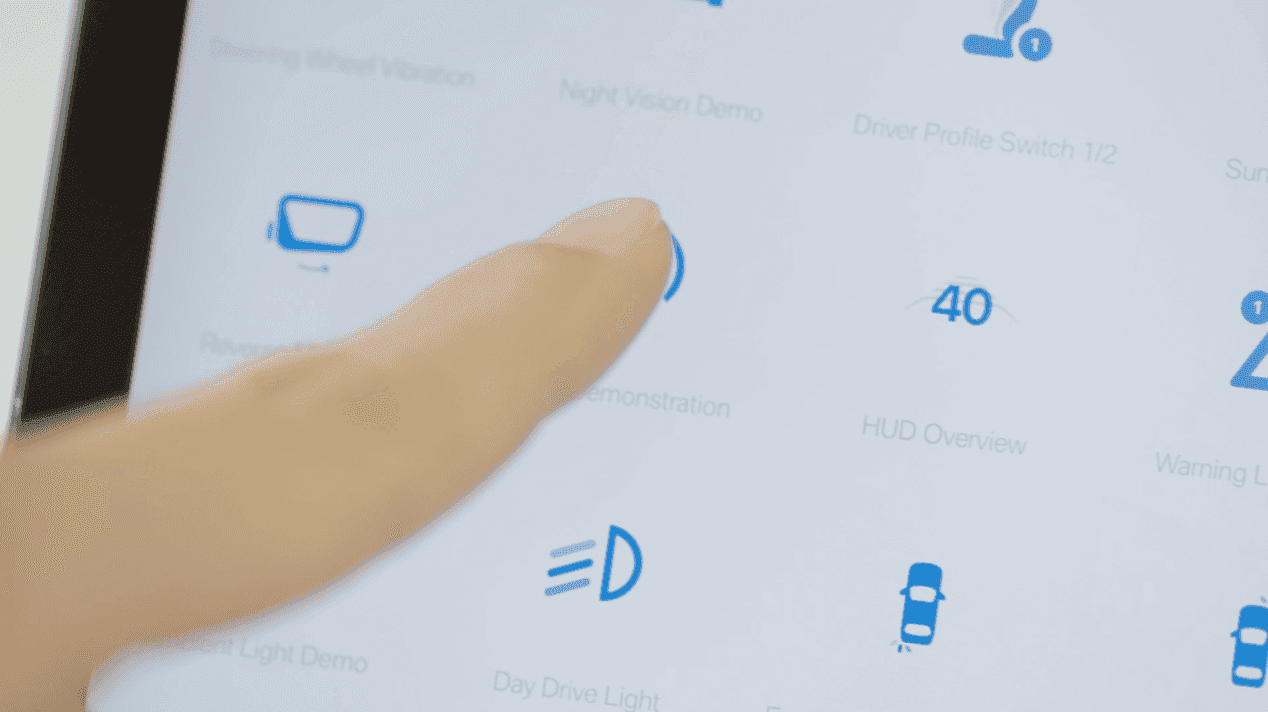
The screens prominently feature icons as tappable features, so I referenced the current BMW icon style and designed new icons to use for each one.
Screens
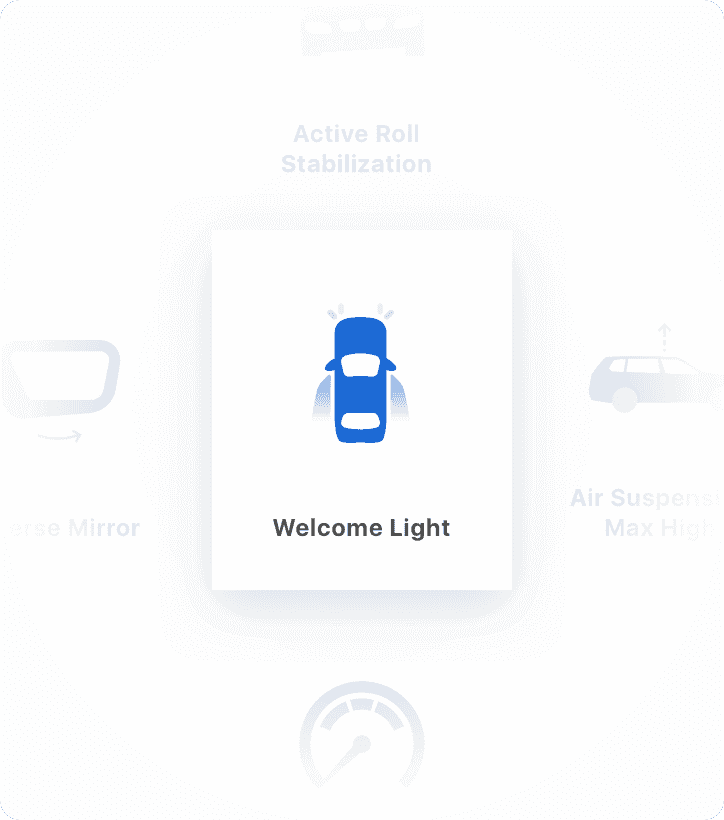
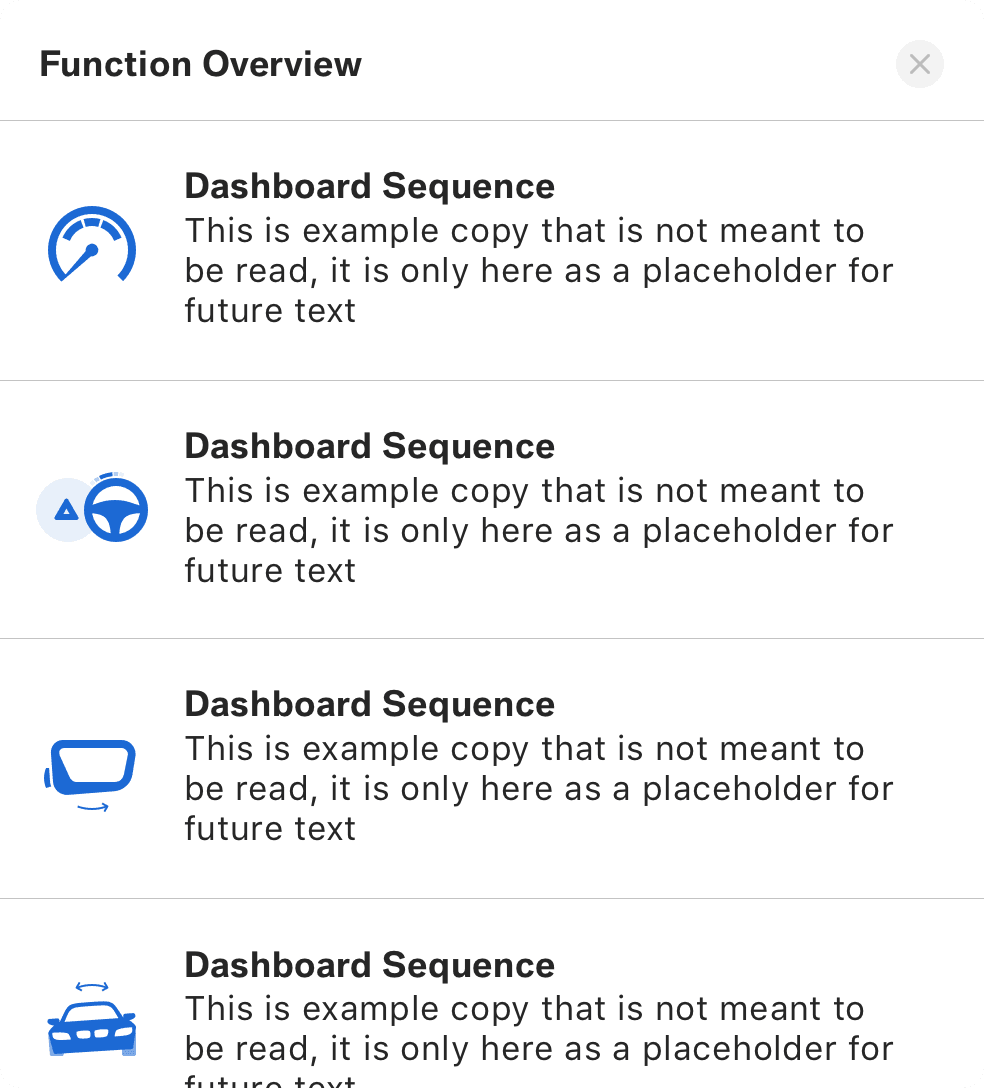
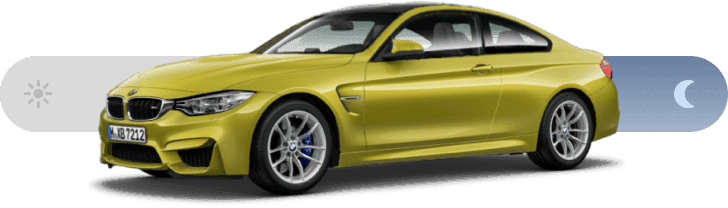
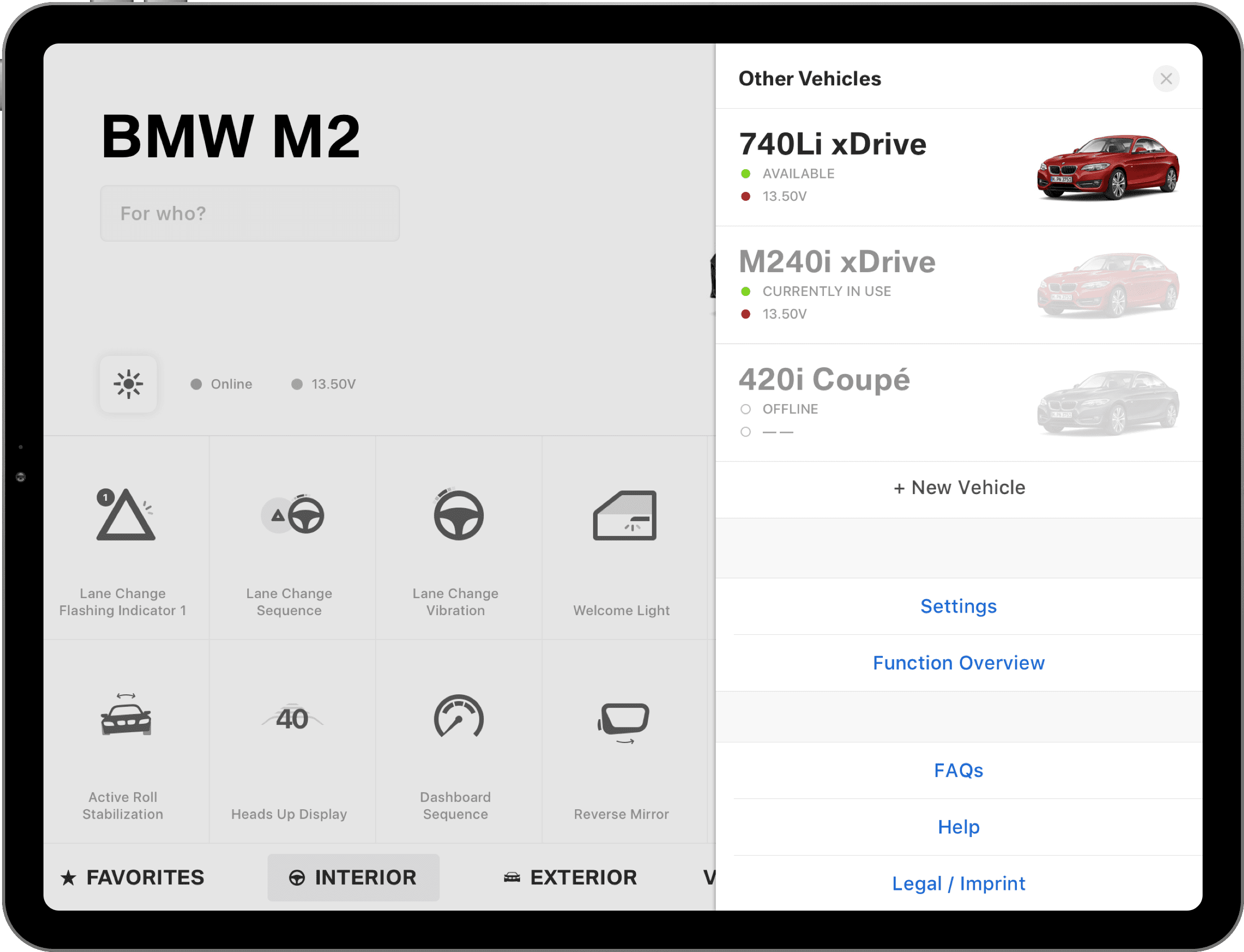
Each vehicle could be easily switched between day and night mode plus have the potential customer’s name quickly added to the display.