
Terratory
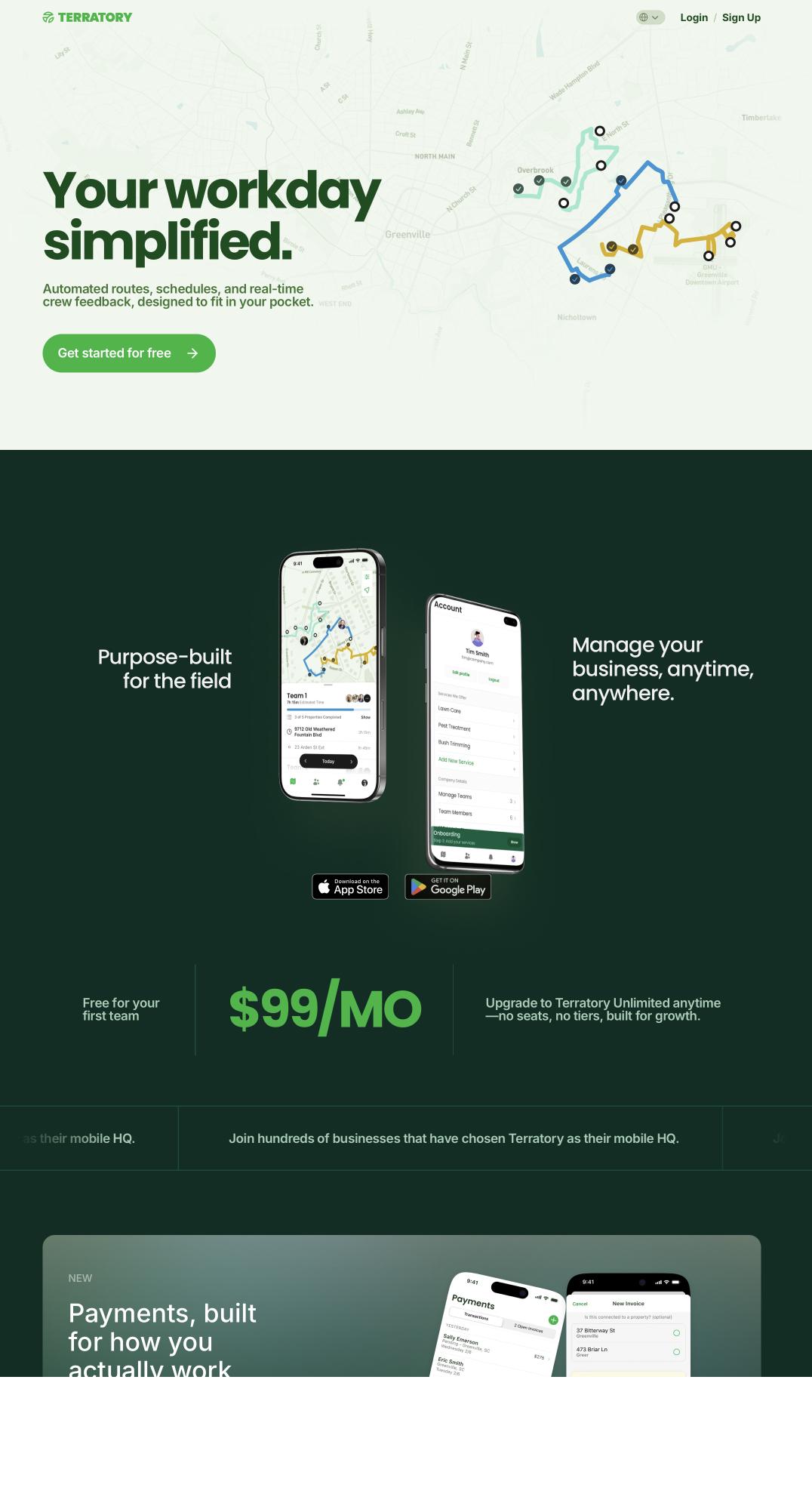
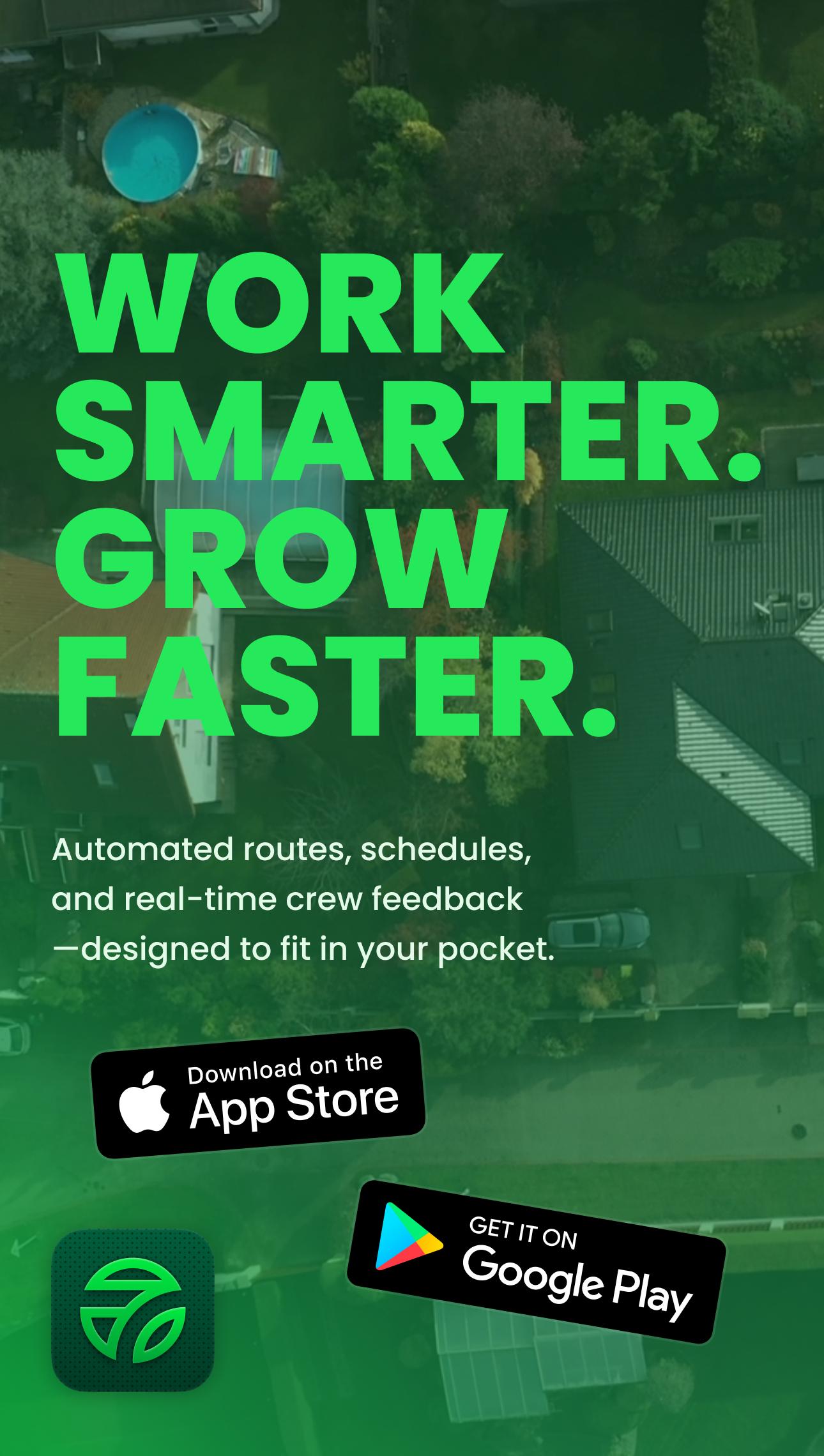
Optimized routes, automated schedules, and real-time updates from the field for the lawn care industry. Let’s dig into how it went from conversations with owners to shipping on iOS, Android, and web.
- Website
- terratory.co
- App Store
- Download
Welcome
Creating teams
Home
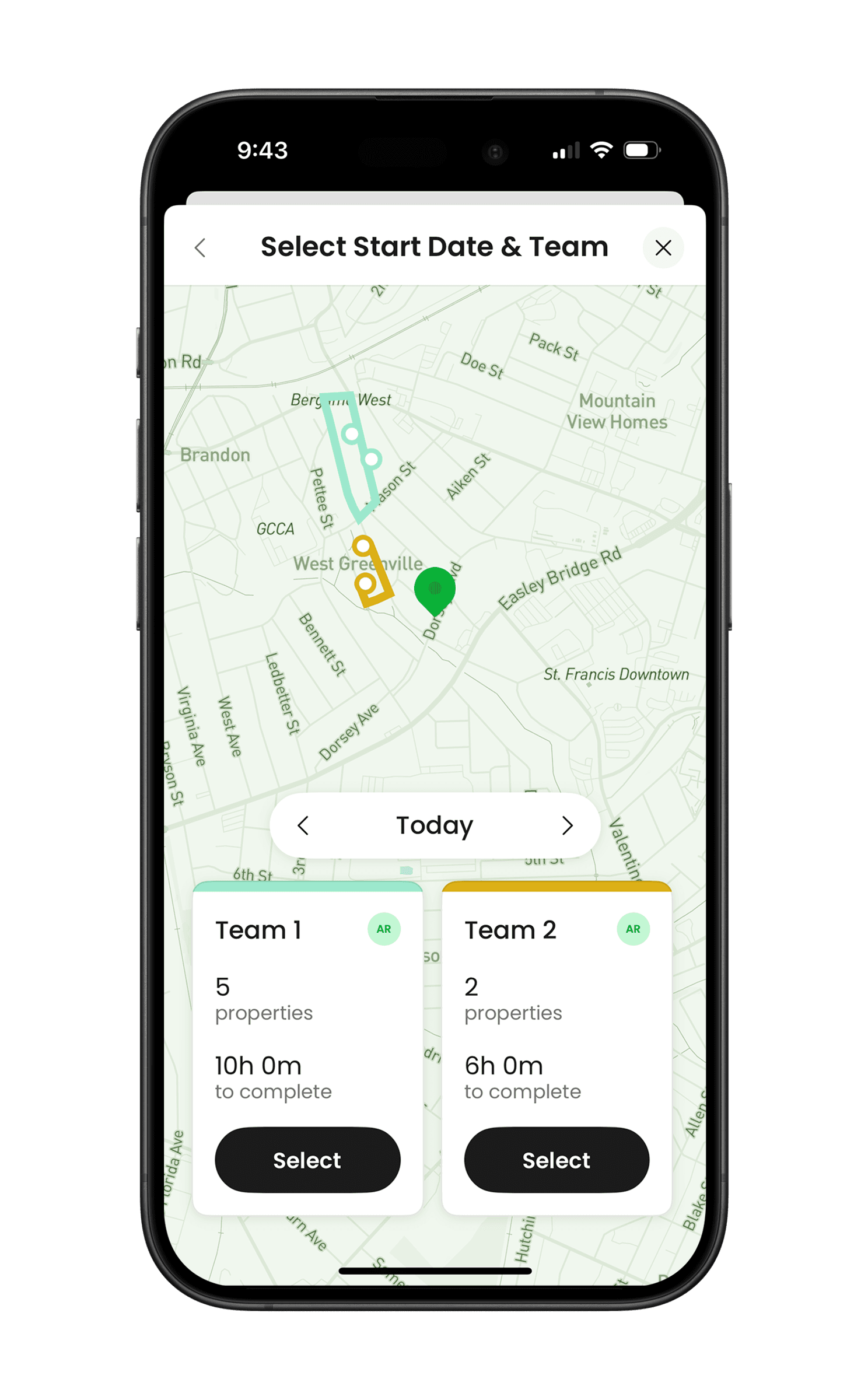
Picking a route
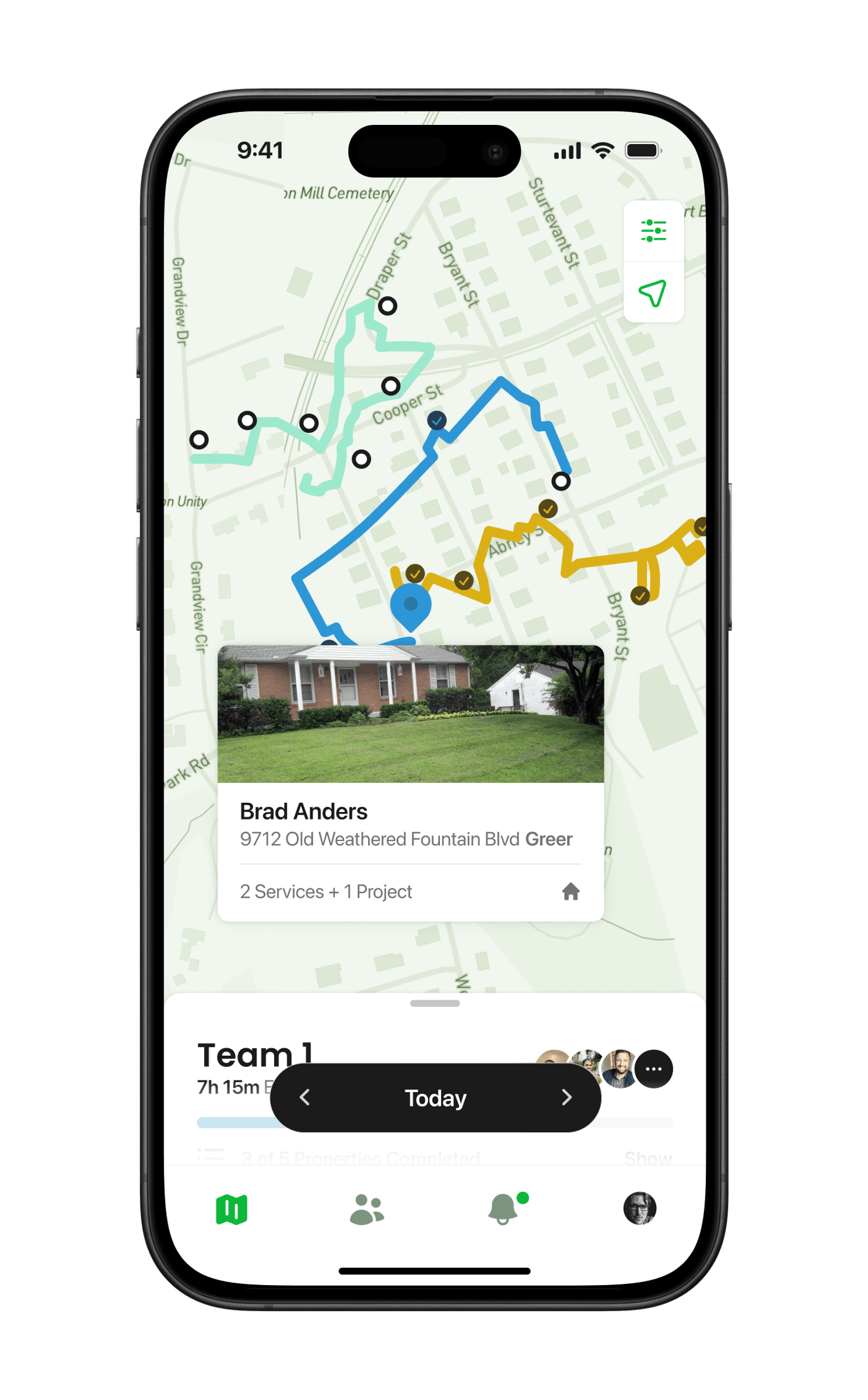
Property on the route
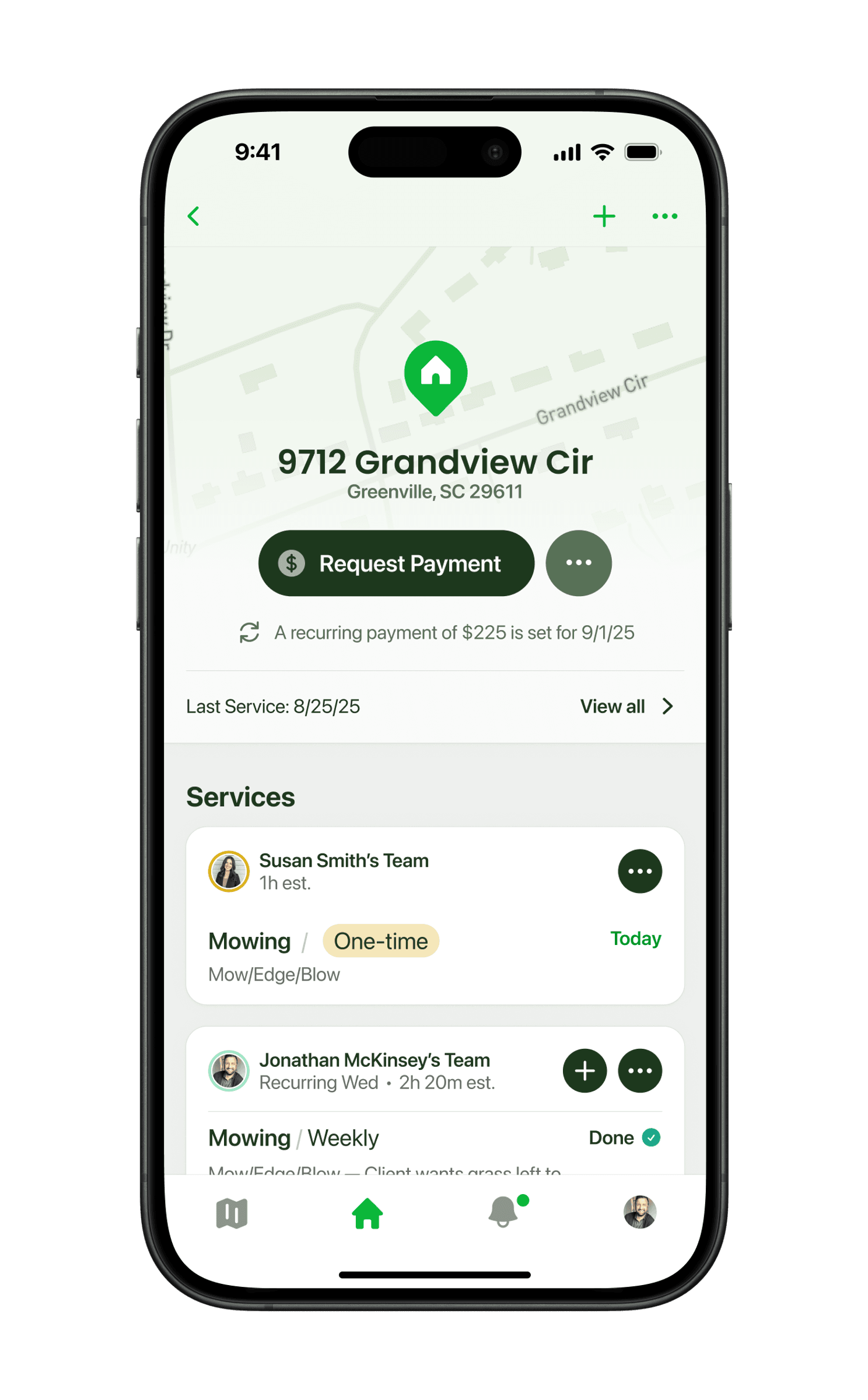
Property details
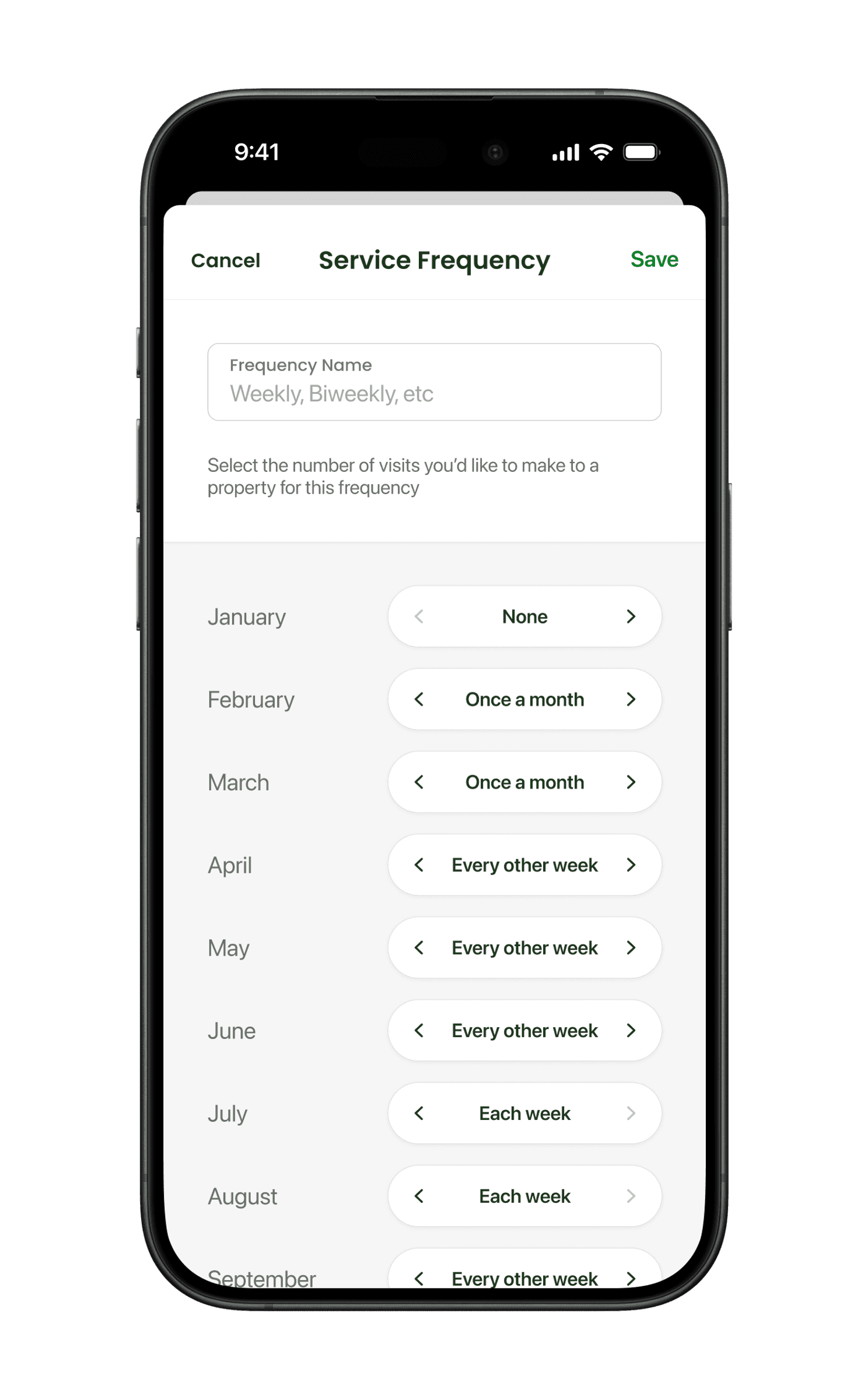
Service frequency
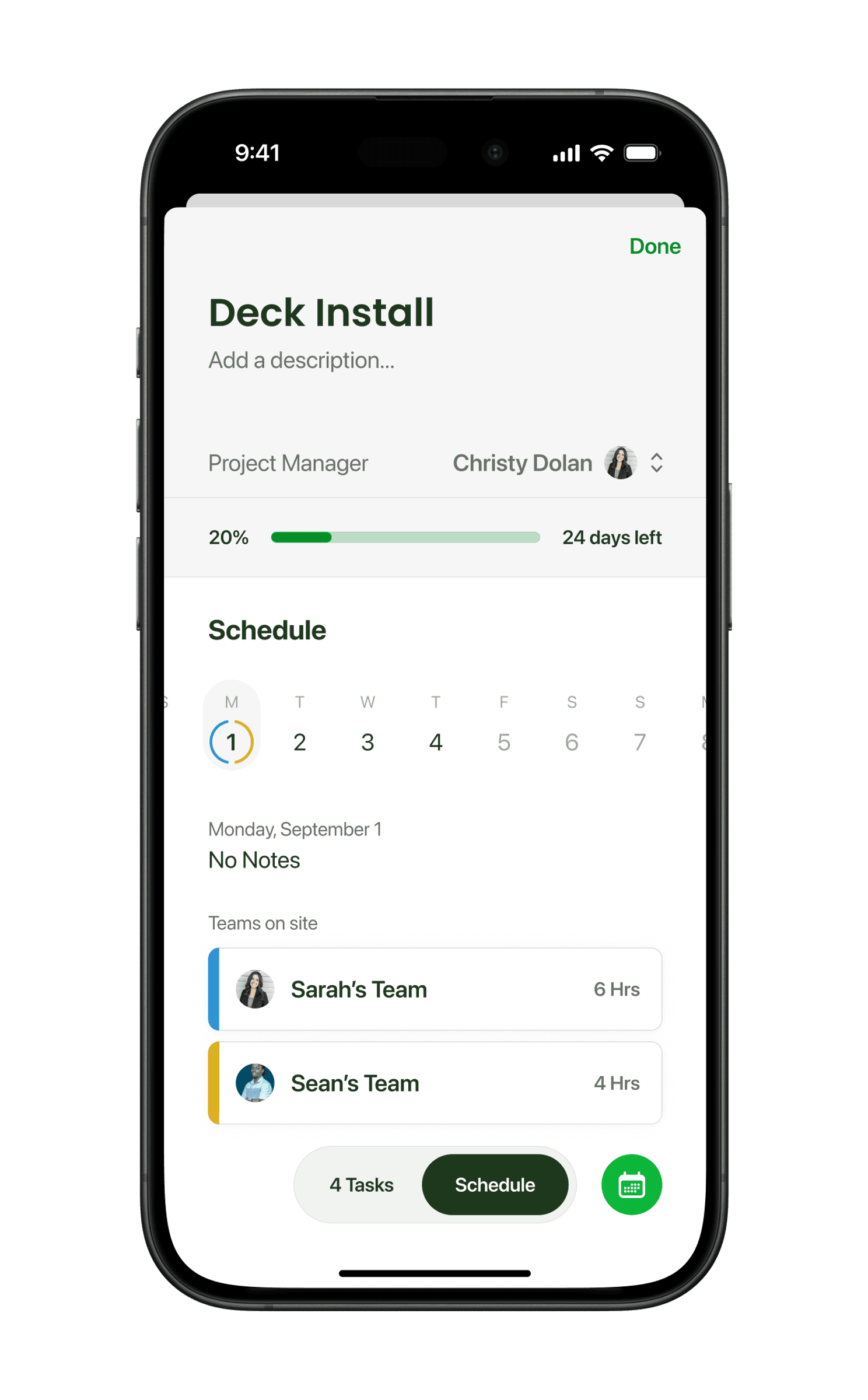
Project schedule
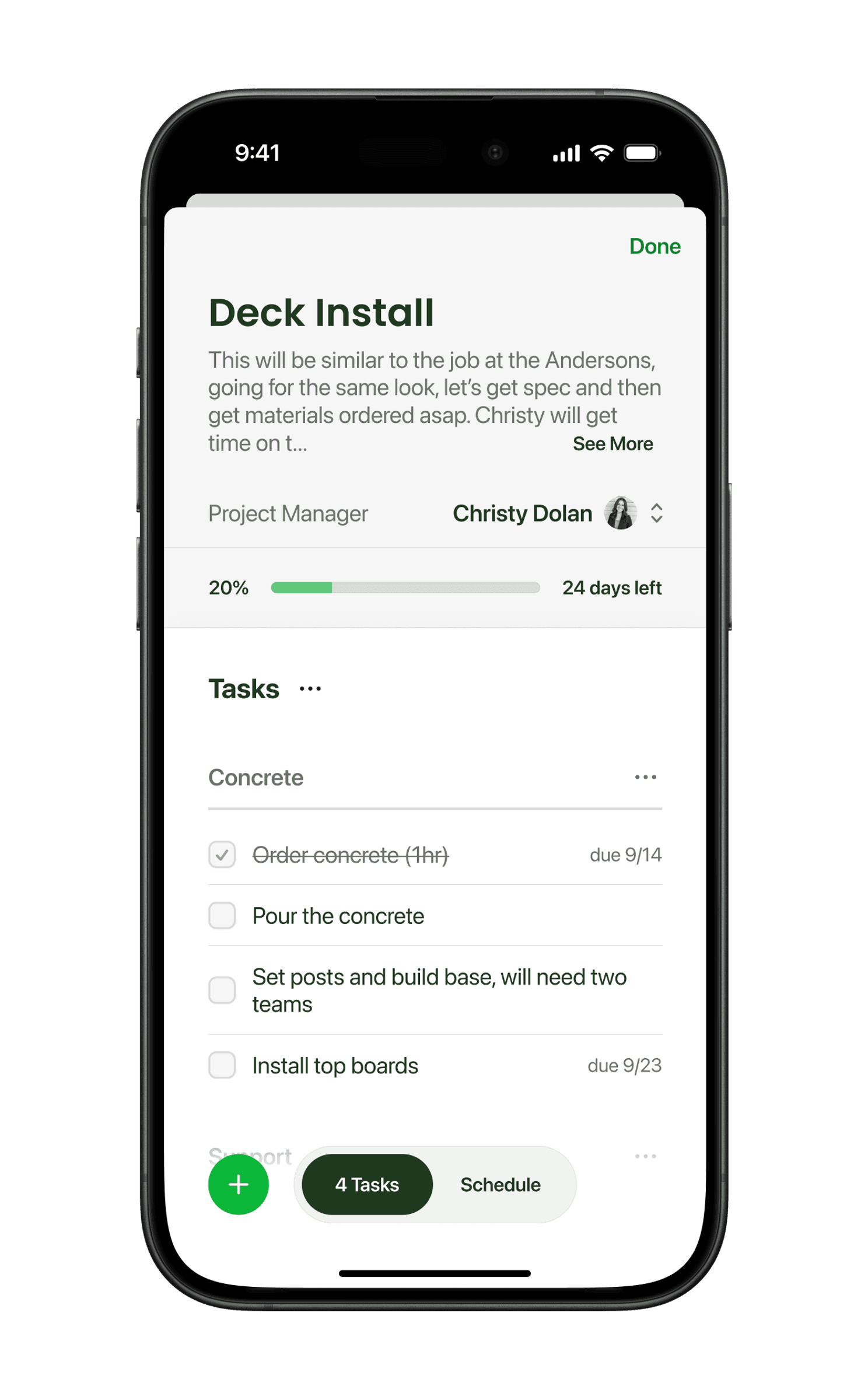
Project tasks
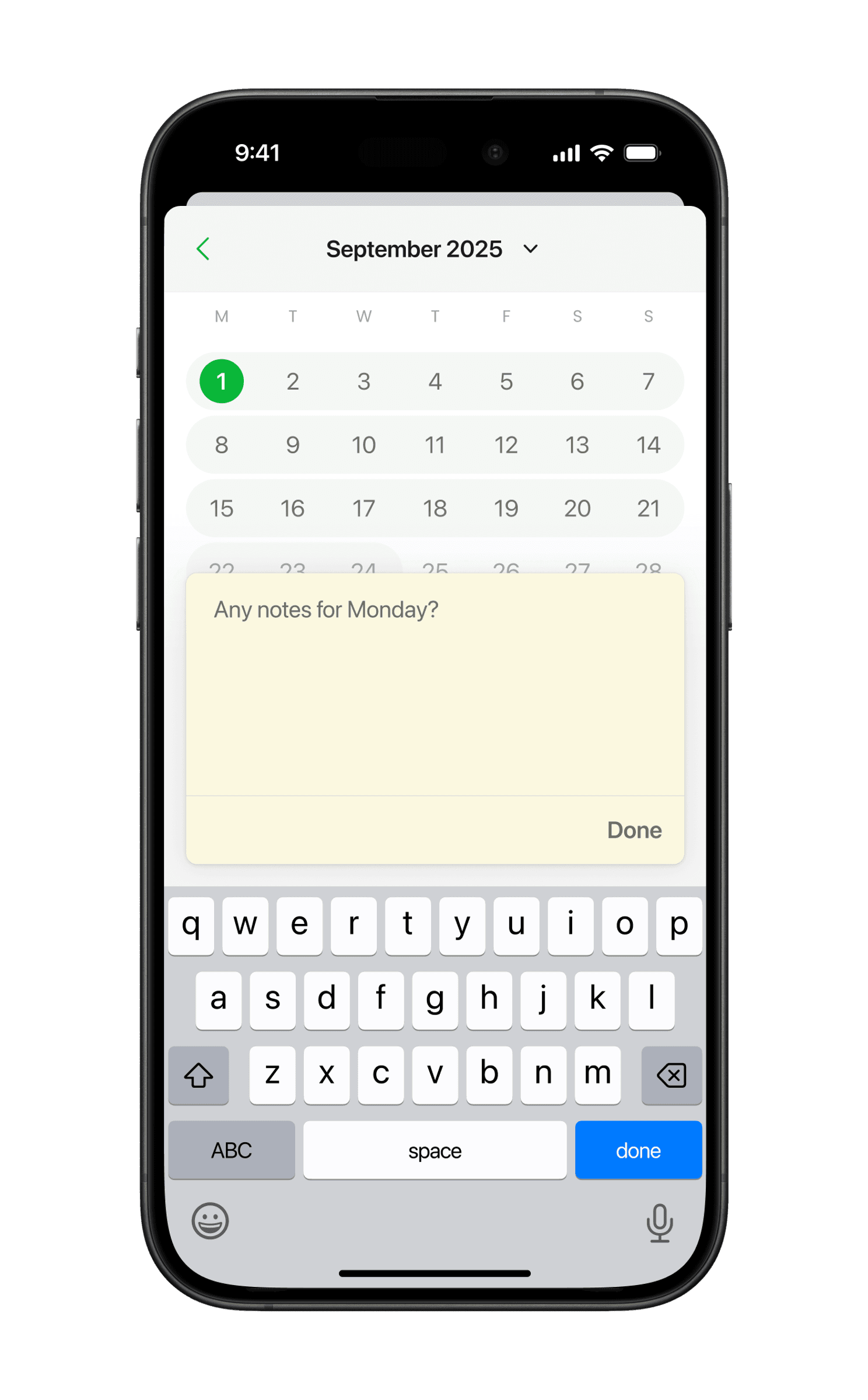
Project notes
Overall concept
Background. In early 2023, some friends and I were looking to build a startup and quickly latched onto the idea of a scheduling and routing product for the lawn care space. Operators run their day from a truck, but the software built for them was built for the office. Terratory started as a bet that a crew-first product could carve out space for itself with small and medium-sized businesses. I came on as co-founder and led design of the product across three platforms, as well as the brand, and the marketing site.
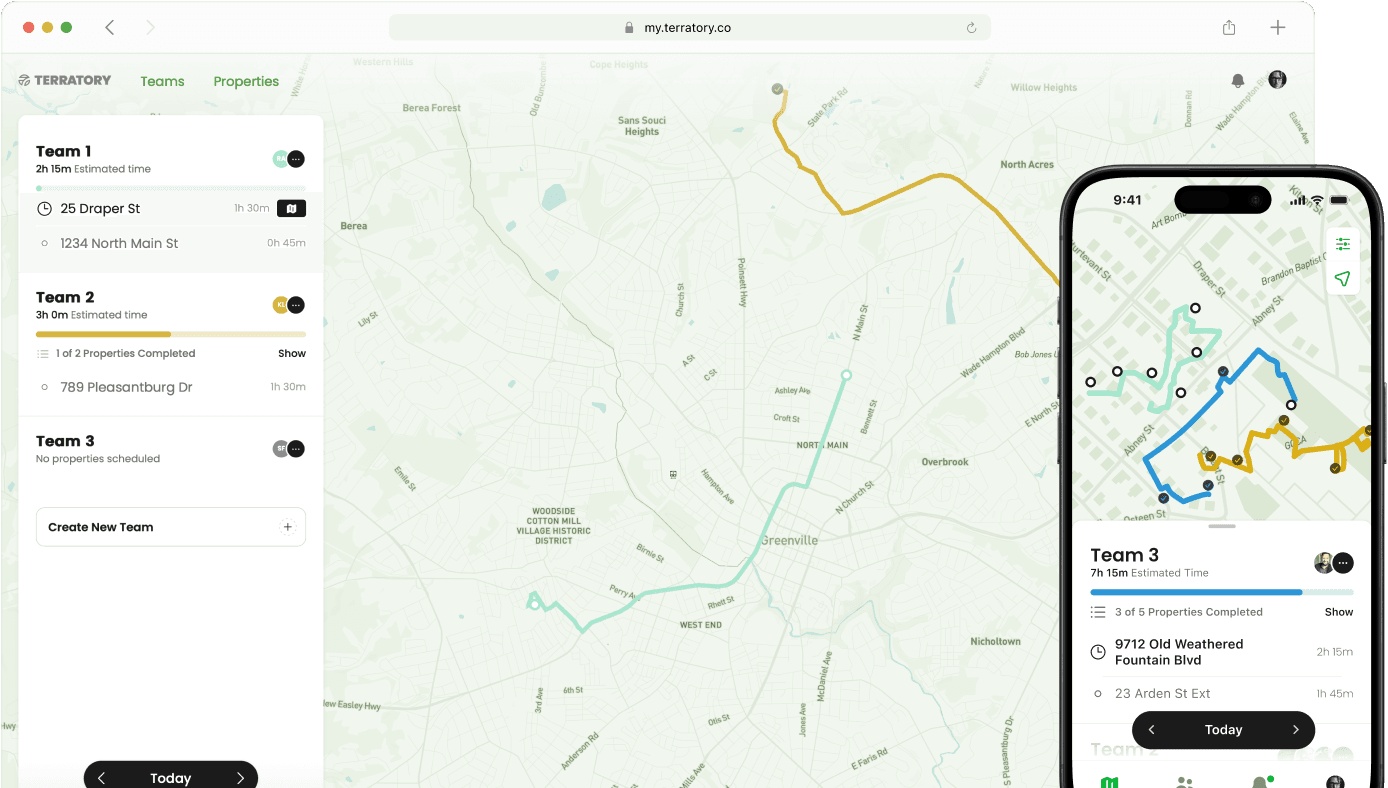
What problem are we solving? Early conversations with owners showed us they reached for their devices throughout the day, not to manage anything, but to simply answer: where are the crews right now, how much have they finished, and is something going to roll over to tomorrow.
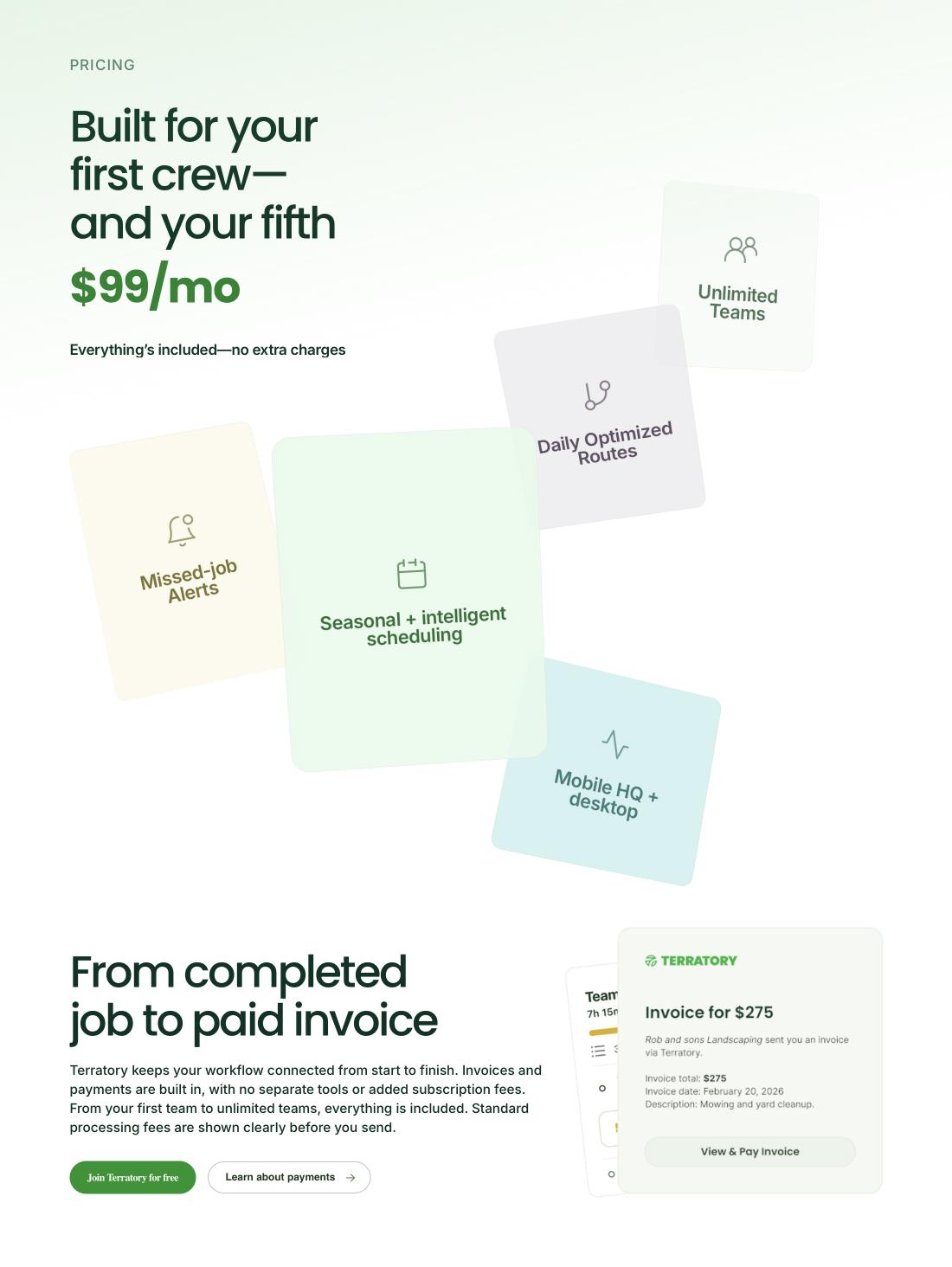
Beyond that, there was the challenge of scheduling. Most told us they stayed up Sunday evenings planning the week ahead to ensure all properties were being scheduled.
Home
Service frequency
Property details
Process
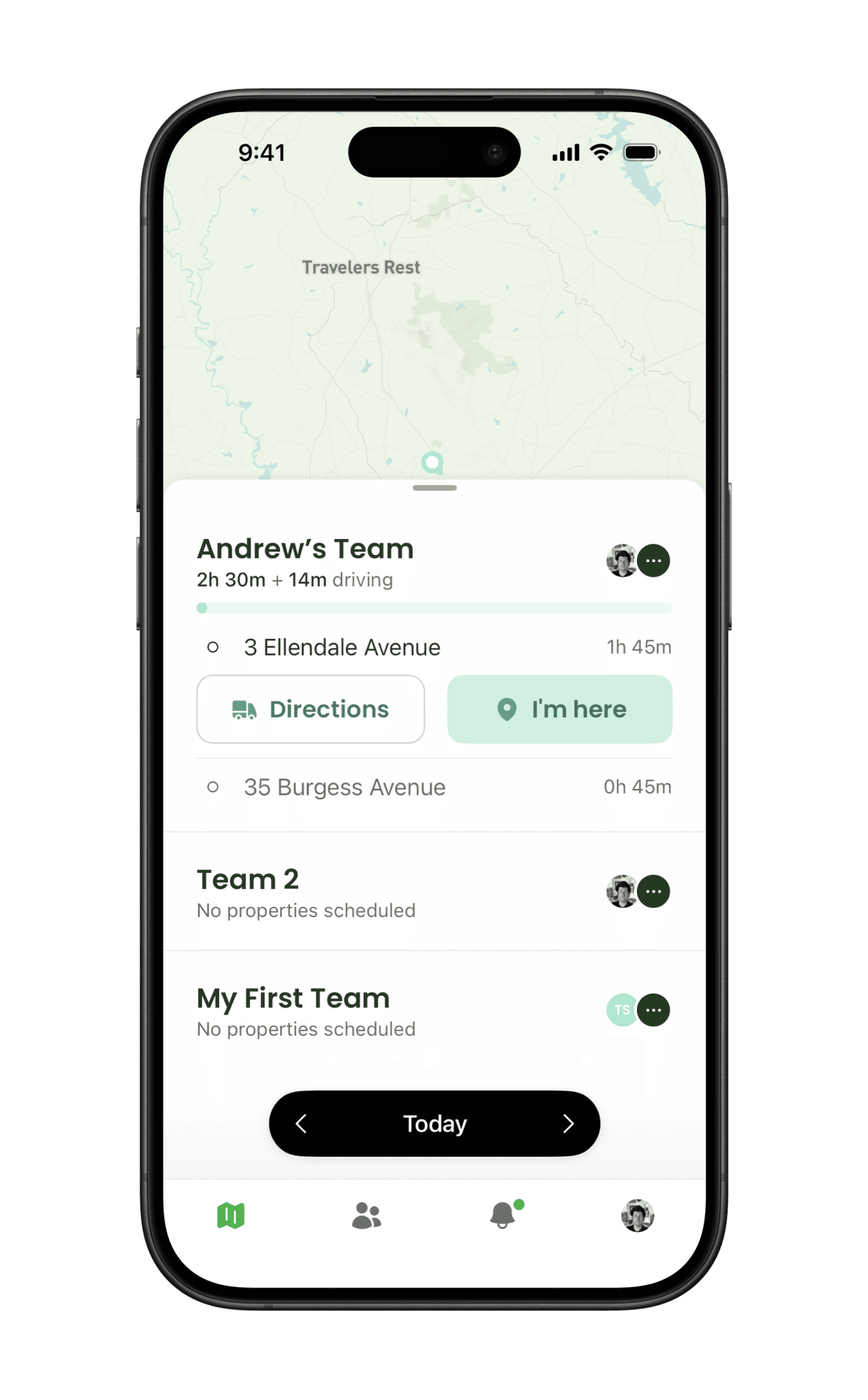
Those two problems shaped the product. To replace the Sunday-night planning session, we gave each service a season and a set cadence, so work schedules itself. And because owners mostly wanted to know where things stood, we made the map the base layer of the main screen, with routes and remaining properties sitting right on top. Owners can tell at a glance whether anything will roll over to tomorrow.
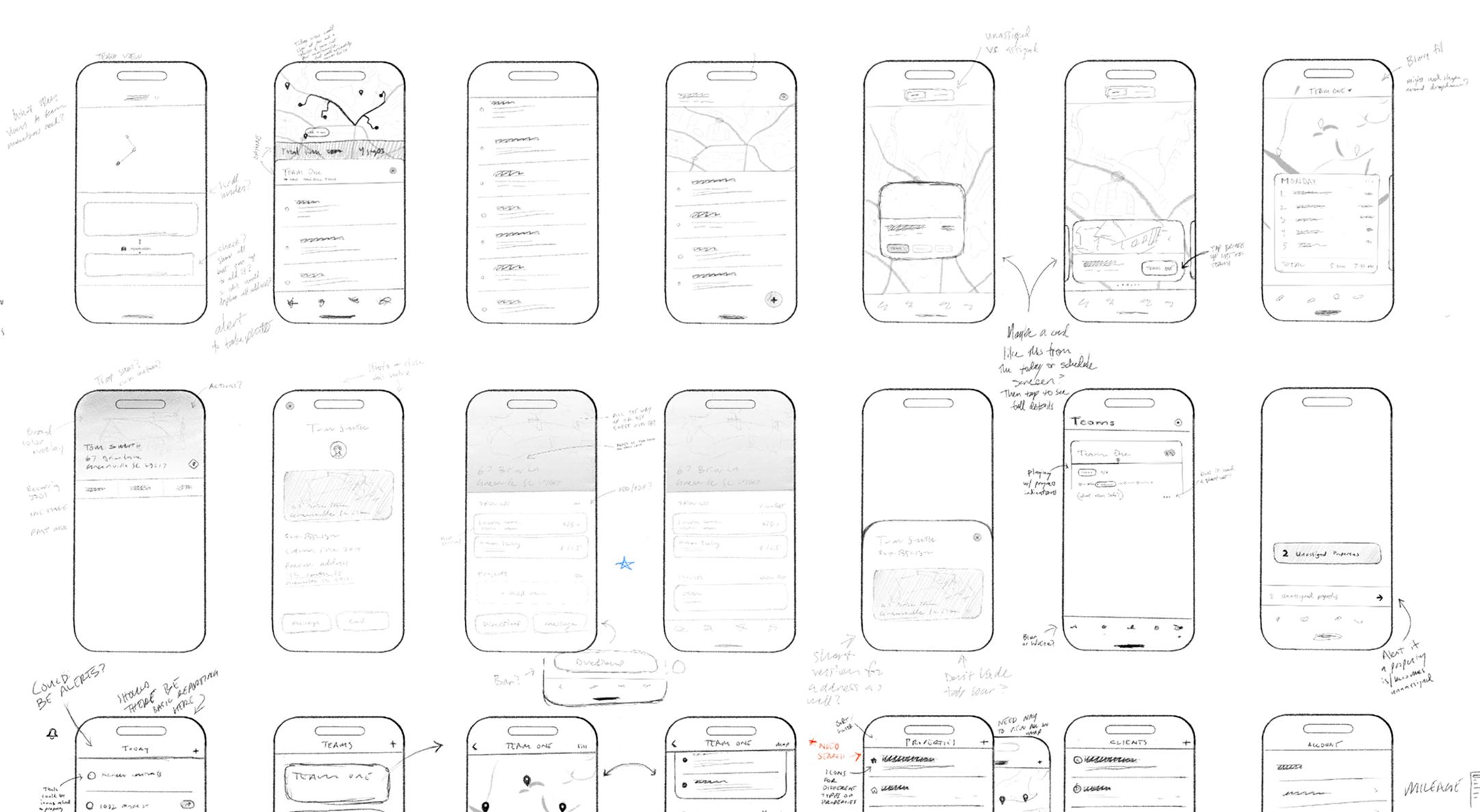
Sketching let us explore directions quickly and work out which controls users would need. In Figma we refined the look and feel, then took it back to users. After a few rounds of that we started building: a web app for v1, then React Native for v2 so we could offer native apps.
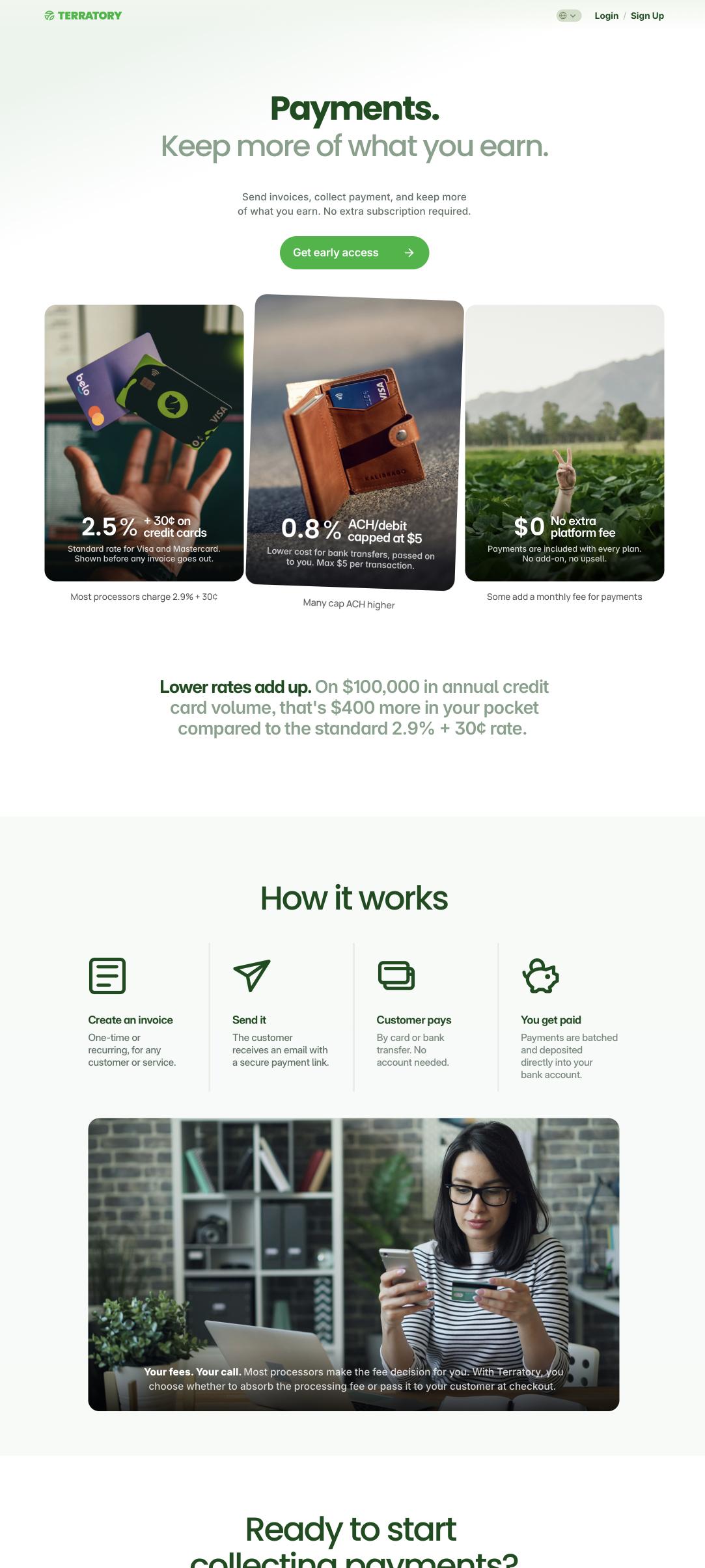
Terratory shipped on iOS, Android, and web, with real operators running their days on it.
Tech stack
- FigmaDesign
- ElixirBackend
- PhoenixWeb app (v1)
- React Native and ExpoiOS and Android apps (v2)
- GitHubCode
- Claude Code and Intent by AugmentCoding with AI agents
- VercelWeb app hosting
- SentryCrash and bug reports
- MixpanelProduct analytics
- LinearTickets and organizing work
- FramerMarketing site
- Customer.ioNewsletters